

Ergonomic Design Explained: Comfort at Home Workspaces
on Feb 05, 2026Many remote workers find themselves shifting between kitchen chairs and living room sofas, hoping for comfort that never quite lasts. The challenge lies in more than just seating choice—an effective ergonomic setup is a blend of thoughtful design and individual fit, tailored to support well-being and productivity. By understanding ergonomic design principles, you can move beyond common myths and create a workspace that enhances both physical comfort and professional focus.
Key Takeaways
| Point | Details |
|---|---|
| Understanding Ergonomics | Ergonomic design optimises human performance and wellbeing, not merely comfort, and is applicable in various environments beyond offices. |
| Personalised Solutions | Effective ergonomic solutions require individual adjustments to meet specific needs, reducing the risk of injuries and improving productivity. |
| Dynamic Work Practices | Incorporating movement and varying postures in the workspace is essential for maintaining physical health and cognitive focus. |
| Common Mistakes | Avoid using non-ergonomic furniture and neglecting equipment positioning or movement breaks to prevent long-term health issues. |
Defining Ergonomic Design and Common Myths
Ergonomic design represents a sophisticated scientific approach to creating environments and products that seamlessly adapt to human capabilities and needs. Far more complex than simple comfort, it’s a comprehensive discipline focused on optimising human performance and wellbeing across multiple domains.
At its core, ergonomics explores human interactions with systems, tools, and environments. This scientific field goes beyond casual assumptions, applying rigorous research to understand how people interact with their surroundings. The discipline encompasses three critical dimensions:
- Physical ergonomics: Addressing human body mechanics and physiological responses
- Cognitive ergonomics: Examining mental processes like perception and decision-making
- Organizational ergonomics: Investigating systemic interactions within work environments
Numerous misconceptions persist about ergonomic design that require clarification. Many people mistakenly believe ergonomics is:
To clarify common misconceptions, here is a comparison of ergonomic myths and facts:
| Statement | Myth | Actual Fact |
|---|---|---|
| Only for offices | Common assumption | Crucial in diverse environments |
| Only about comfort | Widespread belief | Science-driven optimisation |
| High-cost necessity | Frequent misperception | Range of accessible solutions |
| One-size-fits-all | Popular idea | Requires individual adjustment |
- Only relevant in office settings
- Solely about creating comfortable furniture
- An expensive, unnecessary investment
- A one-size-fits-all solution
In reality, urban ergonomics demonstrates that effective design is highly personalised. It considers individual variations, adjusts to specific needs, and aims to prevent potential injuries while enhancing overall human performance.
The ultimate goal of ergonomic design transcends mere comfort. It seeks to create intelligent, adaptive environments that support human potential, reduce physical strain, and optimize productivity across diverse contexts - from home offices to industrial workspaces.
Pro tip: When evaluating ergonomic solutions, prioritise adaptability and individual fit over standardised, generic approaches.
Essential Elements of Ergonomic Home Workspaces
Creating an optimal home workspace requires careful consideration of multiple interconnected elements that support physical comfort, mental focus, and overall productivity. Ergonomic workspace design goes far beyond simply purchasing expensive furniture - it’s about creating a holistic environment that adapts to individual needs and promotes wellbeing.
The foundational elements of an ergonomic home workspace include:
- Adjustable chair with robust lumbar support
- Height-flexible desk accommodating different postures
- Strategically positioned computer monitor
- Appropriate keyboard and mouse placement
- Adequate lighting with minimised glare
- Organised cable management
- Temperature-controlled environment
Specifically, workspace configuration demands precise positioning to maintain neutral body alignment. This means positioning your monitor at eye level to prevent neck strain, ensuring your keyboard allows wrists to remain straight, and selecting a chair that supports your spine’s natural curvature.

Beyond physical setup, an ergonomic workspace also considers psychological factors. Creating a distraction-minimised environment, incorporating natural light, and designing a layout that encourages movement can significantly enhance cognitive performance and reduce physical fatigue.
Ergonomic principles also emphasise the importance of dynamic working. This means alternating between sitting and standing, taking regular movement breaks, and listening to your body’s signals to prevent repetitive strain injuries.
Pro tip: Invest time in personalising your workspace layout, understanding that ergonomics is not a one-size-fits-all solution but a tailored approach to individual comfort and productivity.
Types of Ergonomic Products and Solutions
The world of ergonomic products represents a sophisticated approach to workplace comfort, offering innovative solutions designed to support human physiology and enhance productivity. Ergonomic equipment ranges from simple accessories to complex technological interventions that address multiple aspects of workspace design.
Primary ergonomic products can be categorised into several key groups:
-
Seating Solutions
- Adjustable office chairs with lumbar support
- Dynamic sitting chairs that encourage movement
- Specialised chairs for different body types
-
Desk and Workspace Equipment
- Height-adjustable standing desks
- Sit-stand desk converters
- Monitor arms and risers
-
Input Device Ergonomics
- Ergonomically designed keyboards
- Vertical and split mouse designs
- Wrist rest supports
-
Supplementary Comfort Accessories
- Anti-fatigue floor mats
- Footrests
- Document holders
- Laptop stands
Ergonomic solutions encompass comprehensive workplace interventions that go beyond individual products. These solutions consider the entire working environment, aiming to prevent repetitive strain injuries and optimise physical comfort across different professional contexts.
Advanced ergonomic products now incorporate technology to provide personalised support. Blue light filtering glasses, posture-tracking wearables, and intelligent chairs that adapt to individual body movements represent the cutting edge of workplace wellness technology.
Pro tip: Invest in ergonomic solutions incrementally, prioritising items that address your most significant physical discomfort or productivity barriers.
Health Benefits and Productivity Impacts
Ergonomic design represents a critical intersection between human physiology and workplace performance, offering far-reaching benefits beyond mere physical comfort. Workplace ergonomic interventions demonstrate substantial improvements in worker well-being, safety, and overall organisational effectiveness.
The primary health benefits of ergonomic design include:
- Reduction of musculoskeletal disorders
- Decreased physical strain and fatigue
- Improved postural alignment
- Lower risk of repetitive strain injuries
- Enhanced blood circulation
- Reduced chronic pain development
Productivity gains from ergonomic workplace design extend beyond physical health. By minimising physical discomfort and maintaining worker energy levels, organisations can expect significant performance improvements. Research indicates that well-designed ergonomic environments can:
- Increase focus and concentration
- Reduce unscheduled breaks
- Lower absenteeism rates
- Improve overall job satisfaction
- Enhance cognitive performance
Moreover, systematic ergonomic interventions create a positive feedback loop. Employees experiencing less physical strain become more engaged, demonstrate higher motivation, and contribute more effectively to organisational goals. The psychological impact of feeling physically supported cannot be overstated.
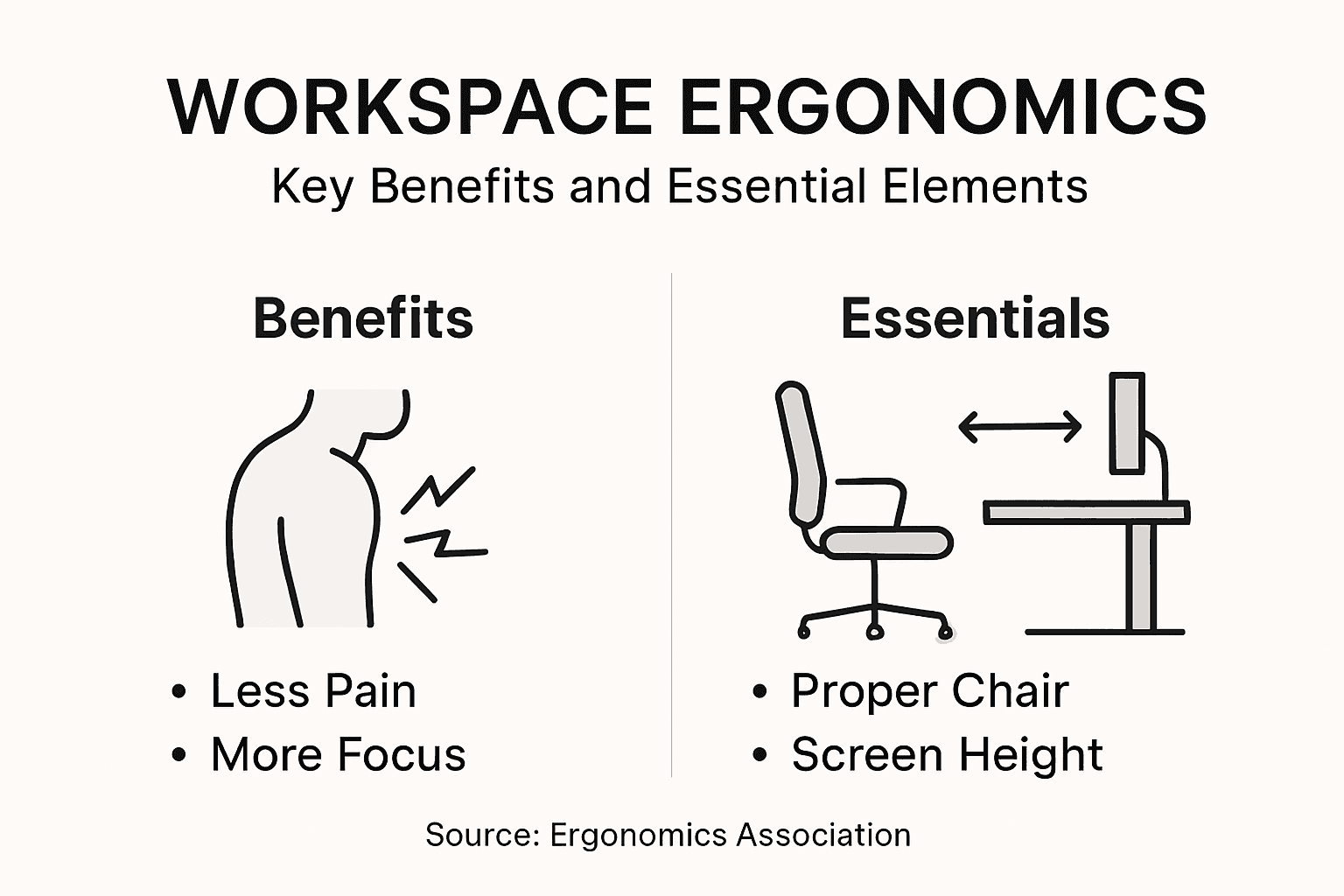
Advanced research suggests that investing in ergonomic solutions is not merely an expense but a strategic performance enhancement mechanism. By prioritising worker comfort and physiological well-being, organisations unlock substantial human potential.
Pro tip: Conduct regular ergonomic self-assessments, focusing on identifying and addressing subtle physical discomforts before they develop into significant health issues.
Mistakes to Avoid When Creating Ergonomic Setups
Ergonomic workspace design requires careful attention to detail and an understanding of potential pitfalls that can compromise physical comfort and productivity. Common ergonomic setup mistakes can lead to long-term health complications and reduced work efficiency.
Critical mistakes in home workspace ergonomics include:
-
Using non-ergonomic furniture
- Kitchen chairs without proper support
- Couches as primary work surfaces
- Chairs lacking lumbar support
-
Improper equipment positioning
- Monitors at incorrect height
- Keyboards causing wrist strain
- Poor mouse placement
-
Neglecting physical movement
- Prolonged static sitting
- Absence of regular breaks
- Lack of dynamic work postures
Ergonomic workspace configuration demands more than simply purchasing expensive equipment. It requires thoughtful placement, individual adaptation, and an understanding of how different body types interact with workspace elements.
Environmental factors also play a crucial role in creating an effective ergonomic setup. Insufficient lighting, poor temperature control, and inadequate ventilation can significantly impact workplace comfort and productivity, even with perfectly positioned furniture.
Here is a quick reference of common ergonomic mistakes and their long-term consequences:
| Mistake | Immediate Effect | Long-term Impact |
|---|---|---|
| Using non-supportive chair | Discomfort while working | Chronic back pain |
| Poor monitor positioning | Neck/eye strain | Repetitive strain injury |
| No movement breaks | Stiffness, reduced alertness | Circulatory issues |
| Inadequate lighting | Eye fatigue | Reduced productivity |
Understanding these potential pitfalls allows individuals to create more intentional, health-supportive work environments that promote both physical well-being and professional performance.
Pro tip: Conduct a monthly ergonomic self-assessment, systematically checking your workspace setup against recommended ergonomic guidelines.
Enhance Your Home Workspace with Smart Ergonomic Choices
Struggling with discomfort while working from home or finding it difficult to maintain focus due to an improperly set up workspace is a common challenge many face today. This article highlights how ergonomic design is not just about comfort but a science of optimising your physical and mental wellbeing through thoughtful adjustments like correct chair support, monitor positioning, and dynamic working setups. Understanding these pain points means recognising that investing in adaptable and well-designed products can prevent injury and boost productivity.
At Stomart.co.uk, we offer a wide range of home essentials and tech accessories expertly chosen to help you build a personalised ergonomic workspace. Discover adjustable chairs, supportive cushions, reliable lighting options, and more. Act now to transform your work environment with affordable and effective solutions tailored to your needs. Visit our main store today and explore how easy it is to start improving your comfort and performance from the comfort of your own home.
Frequently Asked Questions
What is ergonomic design?
Ergonomic design is a scientific approach to creating products and environments that adapt to human capabilities and needs, aiming to optimise performance, comfort, and wellbeing.
Why is ergonomic design important for home workspaces?
Ergonomic design is crucial for home workspaces as it reduces physical strain and discomfort, promotes better posture, and enhances productivity by creating a more supportive and efficient working environment.
What are the key elements of an ergonomic home workspace?
The key elements include an adjustable chair with lumbar support, a height-flexible desk, properly positioned monitors, suitable keyboard and mouse placements, adequate lighting, and a temperature-controlled environment.
How can I improve my home workspace ergonomics?
You can improve your home workspace ergonomics by optimising furniture positioning, incorporating movement breaks, adjusting equipment to suit your individual needs, and ensuring your workspace is well-lit and distraction-free.